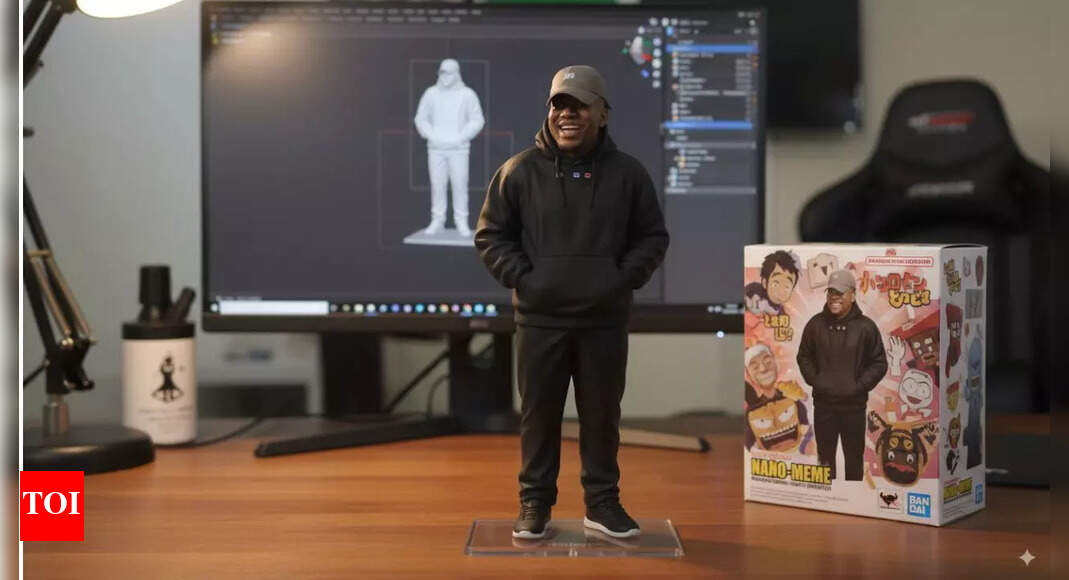
Google Gemini’s Nano Banana AI tool’s 3D models have become a viral trend. However, to bring these 3D figurines that have been created from photos to life, users will need a video generator. While many popular generators like Google’s Veo 3 and OpenAI’s Sora are behind a paywall, free alternatives like Grok allow users to animate their images. The Gemini 2.5 Flash Image model, which is now popular as Nano Banana, has gained attention for its ability to perform complex edits with natural language prompts while maintaining visual consistency. Users are applying the tool to a range of creative tasks, including generating holographs and giving photos a visual makeover. Here’s how to turn these 3D figurines into videos:
How to turn Nano Banana 3D figurines into videos for free: A step-by-step guide
Follow these steps to turn 3D figurines made by Google Gemini’s Nano Banana AI tool into videos:
- Open
Grok AI : Launch the Grok app on your phone, or access the chatbot via X (formerly Twitter). - Go to the Imagine Section: Tap on “Imagine” and then select the gallery icon at the bottom.
- Upload Your Photo: Choose the image you want to convert into a video.
- Create the Video: Click on “Make Video.”
- View the Result: Within a few seconds, your video will be generated along with a sound clip.
- Save or Redo: You can ask Grok to redo the video if needed, or simply save it to your phone for later use.
How to make 3D figures using the Nano Banana AI tool
Here are the steps to create a Nano Banana 3D figurine for free:
About the Author