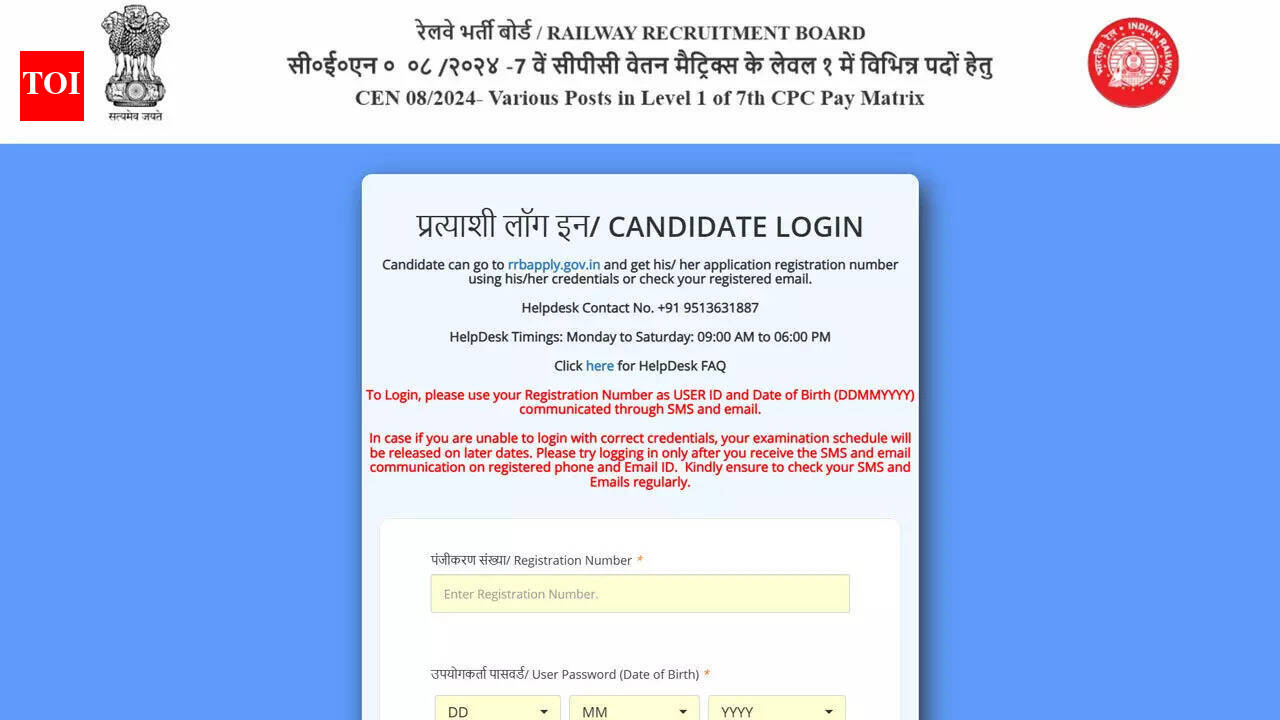
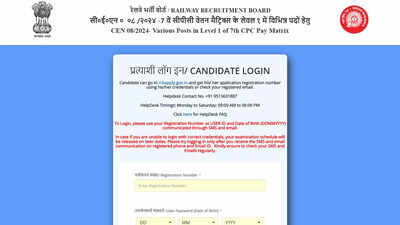
The Railway Recruitment Boards have released the exam city and date slip for RRB Group D recruitment under CEN 08/2024 on its official website. The candidates, who are set to take the upcoming Computer Based Test for Level 1 posts, can find the city slip on the official portal – rrbapply.gov.in.The city slip provides details about the assigned city for the exam, the date, and the shift. This information helps candidates plan their travel. The Government of India, Ministry of Railways, is organizing this recruitment drive for various posts under Level 1 of the 7th CPC Pay Matrix.Revised CBT schedule under CEN 08/2024According to the official notice issued by the Railway Recruitment Boards, the CBT schedule for CEN 08/2024 was revised earlier. Examinations that were initially planned between January 01, 2026 and January 16, 2026 were conducted on January 08, 2026 and January 09, 2026.The remaining Computer Based Tests are to be conducted on the following dates: February 02, 03, 04, 05, 06, 09, and 10, 2026. The tests will be conducted in multiple shifts to cater to the large number of candidates.Exam city slip activation and travel authorityThe link to view the exam city and date intimation slip is made live around 10 days prior to the respective exam date. Along with the city slip, SC and ST candidates are also able to download the travel authority from the same login window.Once the city slip is activated, candidates receive alerts through SMS and email on their registered mobile number and email ID submitted during the online application process.E-call letter availability and login supportThe Railway Recruitment Boards have informed candidates that e-call letters will be available for download four days before the exam date given in the city intimation slip. The call letter will include details of the exam center address and reporting time.Candidates who do not remember their registration number of the application or password can get their details by going to the website rrbapply.gov.in and using the options at the login page for recovering their credentials.Steps to check and download RRB Group D exam city slipStep 1: Visit the official website at www.rrbapply.gov.inStep 2: Select the CEN 08/2024 exam city and date intimation linkStep 3: Enter the application number and password to log inStep 4: View the exam city, date, and shift displayed on the screenStep 5: Get the city intimation slip for future reference by saving itHelpdesk and official advisoryIf a candidate has queries or needs some help, he or she can call RRB helpdesk at +91 9513631887 from Monday to Saturday between 09:00 and 18:00. A helpdesk link is also made available after logging in.
About the Author